
AI Tools by Job: A Practical Guide
Pick the right kind of tool. Chat assistants, coding helpers, image makers, voice and transcription tools: a plain guide to the main types of AI tools and what each is good for.

Everyday AI tools live on your phone and laptop: www.Pixel.la Free Stock Photos, CC0
Chat assistants: the all-rounders
General chat assistants are a good starting point for most people. Well-known examples include ChatGPT from OpenAI, Claude from Anthropic, Gemini from Google and Microsoft Copilot. They draft and edit text, summarize documents, explain topics, help plan projects, and answer questions, often with web search and file uploads built in.
Most offer a free tier and paid plans with stronger models or higher limits. Since features change often, compare them on your own real tasks. Pick the one whose answers you find clearest and whose privacy settings suit you, rather than chasing benchmark scores.
Coding assistants
Coding tools sit inside a code editor or terminal and suggest code as you type, explain unfamiliar code, write tests and fix bugs. GitHub Copilot is among the best known, and many editors and chat assistants now include similar features, including agent modes that can make changes across a whole project.
They speed up routine work for experienced developers and help beginners learn, but they can produce code that looks right and is subtly wrong or insecure. Review changes, run tests, and never paste private keys or confidential code into tools your organization has not approved.
Images, voice and transcription
Image generators turn text prompts into pictures and can edit existing images, for example removing objects or extending a background. Examples include Midjourney, Adobe Firefly, image features inside chat assistants, and open models such as Stable Diffusion. Check each tool's terms for commercial use.
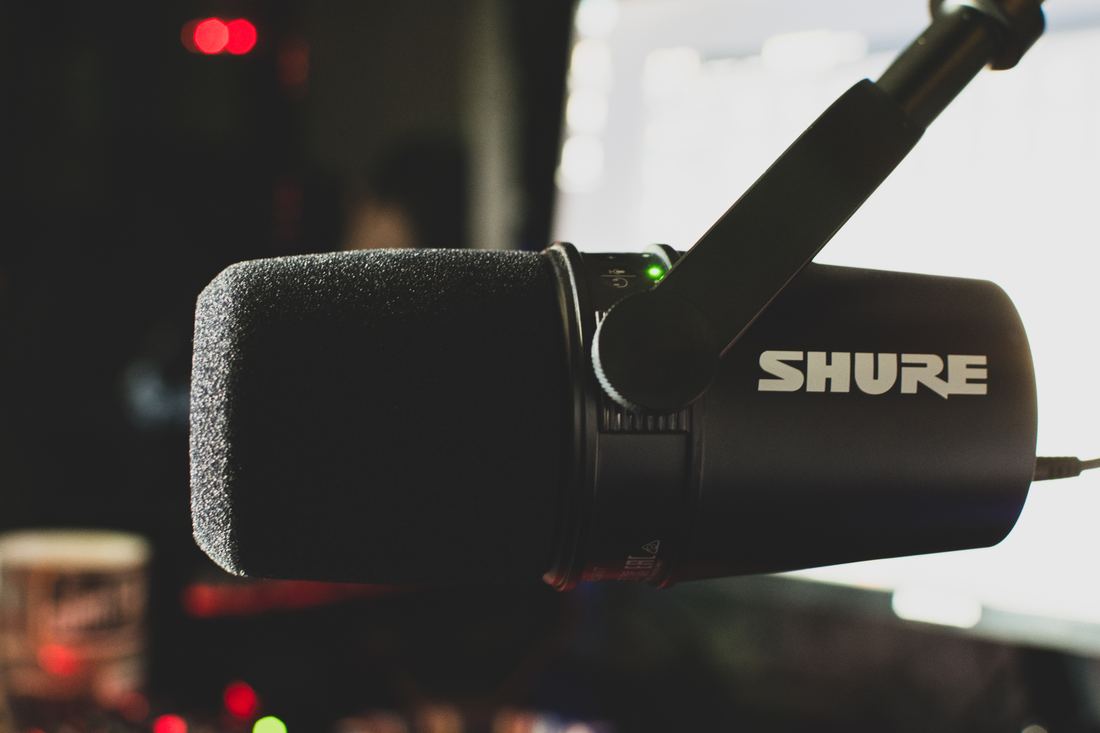
Voice tools generate natural-sounding speech from text and can dub content into other languages. ElevenLabs is a well-known example. Use them only with voices you have rights to, and never to impersonate someone. Transcription tools, such as services built on OpenAI's open Whisper model or apps like Otter.ai, turn recordings into searchable text and meeting notes. Ask permission before recording people.
How to choose
Start with the job, not the tool. Write down a task you do every week, try two tools on it with the same input, and compare the results and the time saved. Check where your data goes, what the free plan includes, and whether the output can be exported. A small set of tools you know well beats a long list you rarely open.
Facts on this page were checked against these sources.
- Everyday AI tools live on your phone and laptop: www.Pixel.la Free Stock Photos, CC0
- Voice and transcription tools turn speech into text: Panos Sakalakis, CC BY 2.0
Text written by Strawberry Lemonadai.
← Using AI Safely: Hallucinations, Privacy and SourcesWhere the Word Robot Came From →







.jpg)
